National Publicity Summit Preview Video
Instructions on watching the VCD on your computer
To watch on a Windows PC:
1. Insert disk in your CD drive.
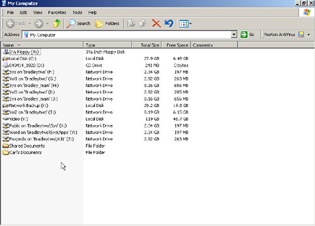
2. Access your CD drive using Windows Explorer.
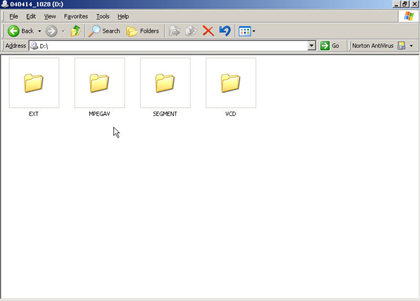
3. Double-click on MPEGAV folder to open it.
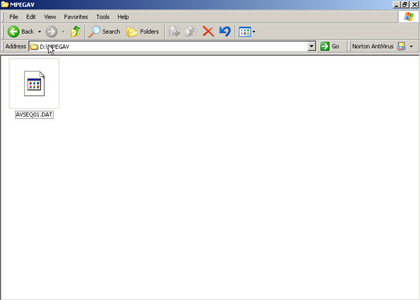
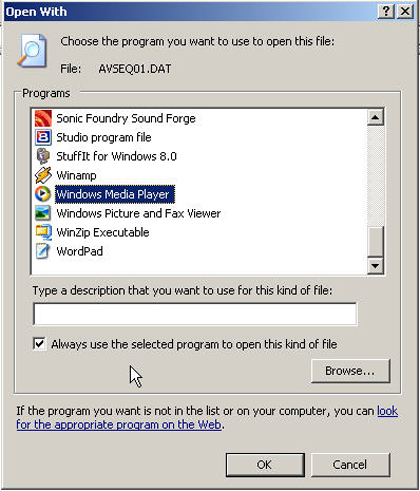
4. Double-click on AVSEQ01.dat file.
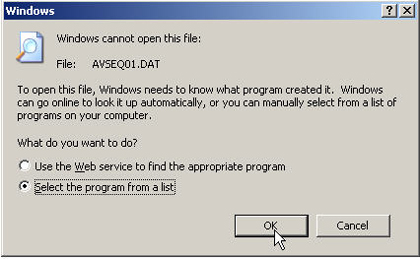
5. Associate file with Windows Media Player (or other media player such as Real Player, Winamp, etc.)
6. Watch video on screen (sound starts 10 seconds into video).